
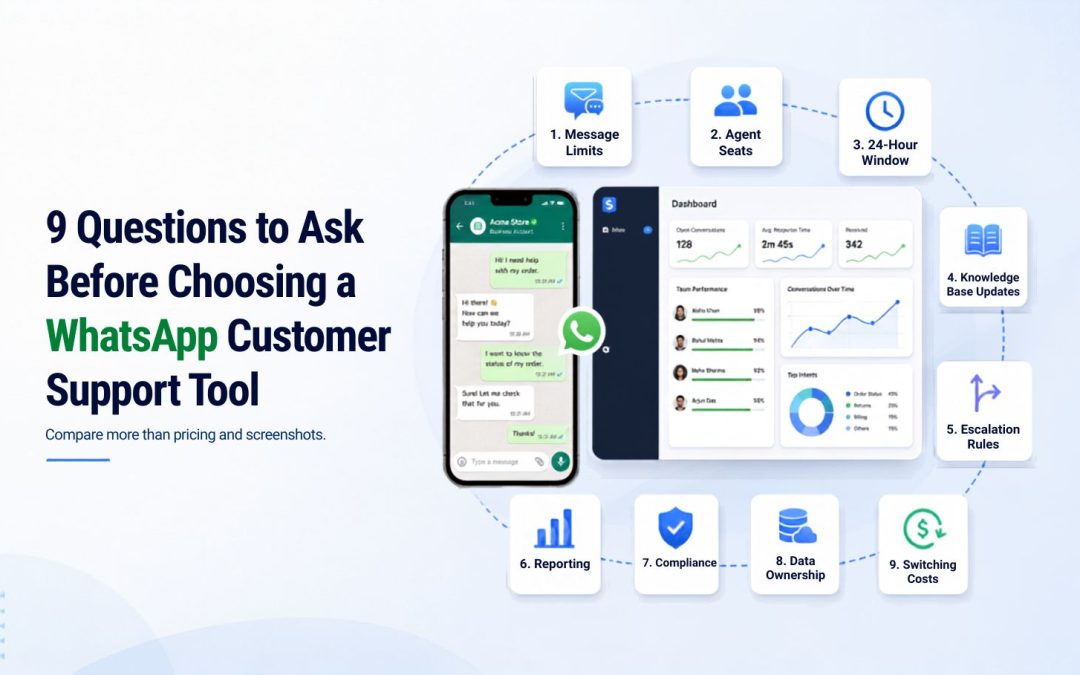
Choosing a WhatsApp customer support tool isn’t just a UI decision, it involves message limits, agent seats, knowledge-base retraining, what happens after the 24-hour customer service window closes, and who owns your data if you switch providers.
Most buyers compare screenshots and pricing pages, then discover real constraints only after onboarding. The nine questions below cover the operational, compliance, and cost details that actually determine whether a tool holds up under real ticket volume — not just how it looks in a demo.
1. What happens after the 24-hour customer service window closes?
WhatsApp’s Business Platform allows free-form replies only inside a rolling 24-hour customer service window (CSW), which opens each time a customer messages you first. Once it closes, you can only re-engage using a pre-approved message template — you can’t just send a normal follow-up.
Ask your vendor exactly how they handle a conversation that goes stale: do they auto-suggest a template, silently drop the thread, or make your agents manually track window expiry? This single mechanic is the most common cause of "the bot stopped replying" complaints, and it has nothing to do with AI quality.
2. How are template messages categorized, and who handles Meta’s approval process?
Every message sent outside the CSW must use a template in one of three Meta-defined categories — Utility (transactional updates a customer opted into), Marketing (promotions and re-engagement), or Authentication (OTP-style identity verification) — and each template needs Meta’s approval before it can be used, typically taking anywhere from 30 minutes to 24 hours. Ask whether your vendor submits and manages these approvals for you, and what your fallback is if a template gets rejected mid-launch.
3. What’s the real message and agent limit, and what happens when you exceed it?
Most WhatsApp support tools price around a daily message cap and a fixed number of agent seats. Get the exact numbers in writing and ask what happens the moment you exceed them, hard cutoff, automatic overage billing, or a forced upgrade.
A support tool that silently stops responding during a traffic spike is worse than no automation at all.
4. How does the knowledge base actually get updated, and does updating it cause downtime?
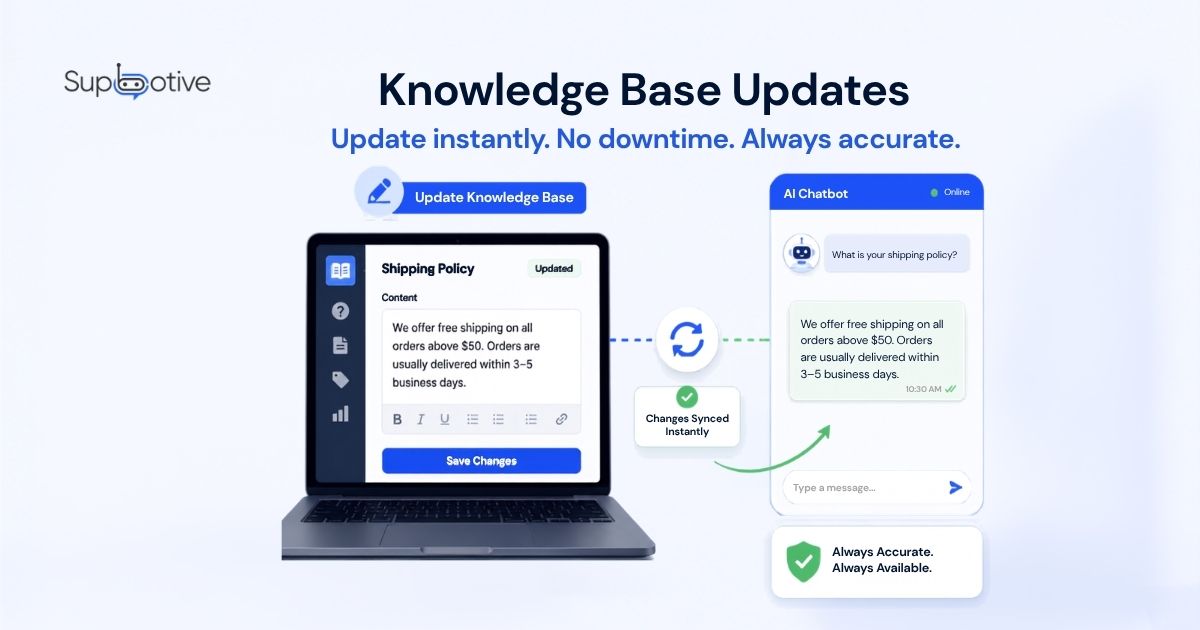
Ask specifically whether adding a new FAQ or policy change requires "rebuilding" the bot (which can cause a gap in coverage) or updates to live.
Also ask who approves new answers before they go live an escalated query that gets resolved by a human agent should ideally feed back into the knowledge base automatically, not sit as a one-off answer that never improves future responses.
5. What happens when the AI gets an answer wrong?
Every vendor will tell you their AI is accurate. Few will tell you what their escalation and correction process actually looks like. Ask to see the handoff flow: does a human agent get the full conversation history, or does the customer have to repeat themselves?
Does a wrong answer get flagged and corrected in the knowledge base, or does it just quietly happen again next week?
6. Is pricing based on messages, conversations, or agent seats and how do they differ?
WhatsApp Business API costs can be structured per conversation (a 24-hour session, regardless of message count), per template message sent, or per agent seat on the vendor’s platform, and vendors mix these models.
Get a written breakdown of exactly which unit you’re being charged for, since a "messages/day" cap and a "conversations" cap produce very different real-world costs at scale.
7. What data do you keep if you switch providers later?
Ask explicitly what happens to your customer conversation history, knowledge base content, and driver/customer profiles if you cancel. Data portability is rarely mentioned in a sales call and often buried in a terms-of-service document you won’t read until you’re trying to leave.
8. Does the tool handle voice notes, images, and documents or just text?
Customers on WhatsApp routinely send a photo of a damaged product or a voice note instead of typing. Ask directly whether the AI can process these formats or whether they silently fall through to a human agent with no context a gap that shows in real usage far more often than vendors’ feature lists suggest.
9. What consent and compliance obligations fall on you, not the vendor?
Under WhatsApp’s opt-in requirements and regulations like UK GDPR, the business — not the platform vendor is generally responsible for how customer messaging consent is collected and documented.
Ask your vendor what they provide out of the box (opt-in capture, consent logging, retention settings) versus what you’re expected to build or document yourself.
Conclusion:
Choosing the right WhatsApp customer support tool requires more than comparing features and pricing pages. Businesses should evaluate message limits, AI accuracy, knowledge base management, escalation of workflows, compliance, and data ownership before making a decision.
The best solution is not just one that automates reply, but one that improves customer support while keeping human control when it matters. A reliable WhatsApp support tool should help your team scale conversations without sacrificing customer trust.
Interested in learning more? Get in touch!
Please fill out the form below and we will get back to you shortly.